

Price: $89.99 - $79.99
(as of Oct 05, 2025 03:14:25 UTC – Details)
Product description


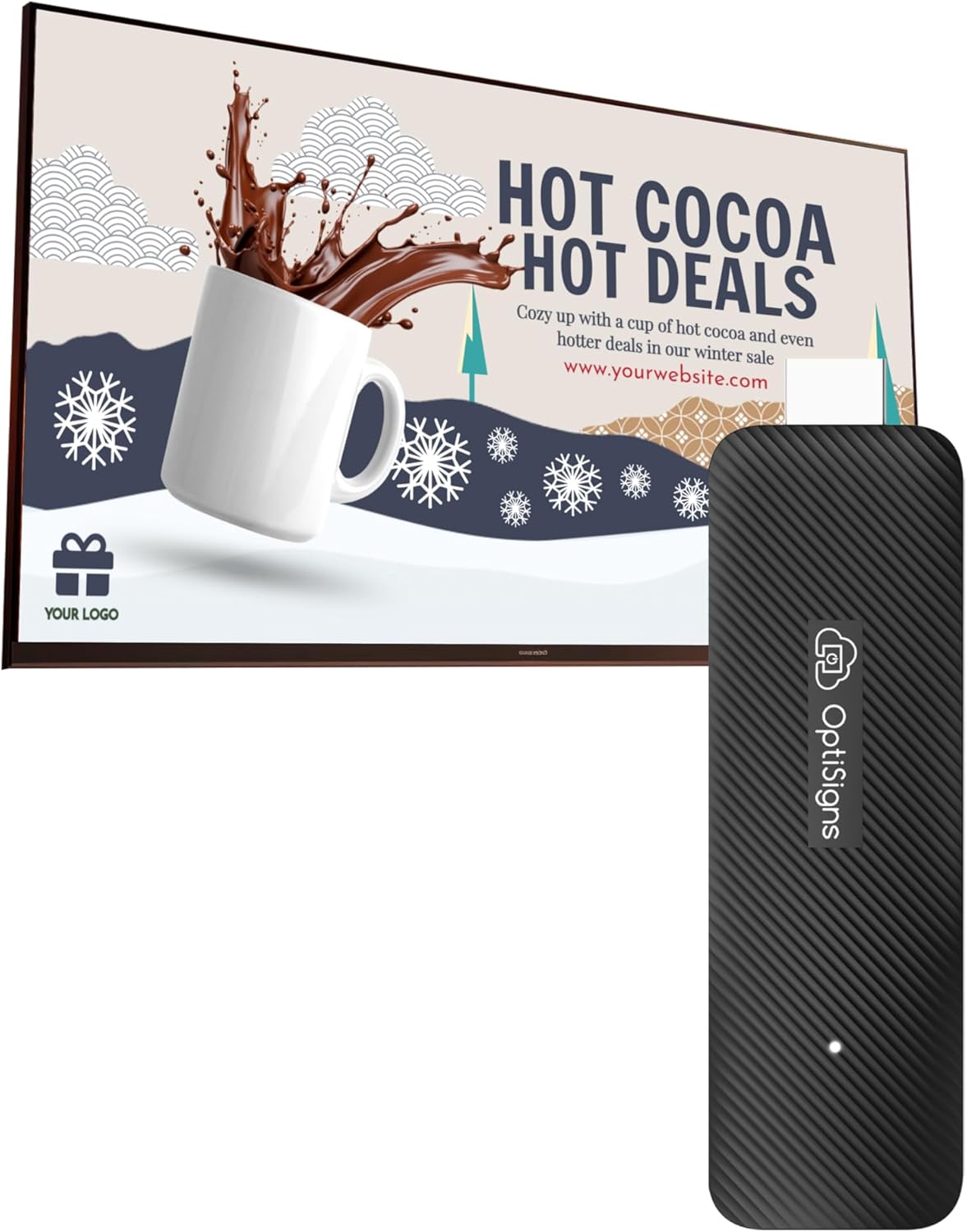
Purposefully Built for Digital Signage
Are you looking for a simple yet powerful solution to enhance your digital displays?
Look no further than OptiSigns! Our OptiStick Digital Signage Player is purposefully built for digital signage and can transform any screen into a digital sign. Ideal for running promotions in retail environments, showcasing menus in restaurants, or facilitating internal communication within your organization, the OptiSigns Digital Signage Player keeps your content fresh, relevant, and impactful.
What Can It Do?

Manage Your Screens Remotely
Effortlessly manage and update your displays remotely from anywhere globally through our intuitive web portal or user-friendly mobile app.

Optimal Network Connectivity
Equipped to support both wireless and Ethernet connections, this robust device offers unparalleled flexibility for network integration.

Easy Content Management
Built for simplicity, OptiSigns is perfect for users of all skill levels. Edit and display high-resolution content effortlessly with our intuitive drag-and-drop interface, a wide selection templates, and support for numerous file types.

Simple Deployment
Featuring OptiSigns pre-installed, this device ensures you’re up and running in no time. Its compact, small form factor fits into any space without the need for mounting. Simply connect it to your display, and it automatically starts up, ready to deliver your content exactly where and when you need it.
Optimize Your Screens With Our Useful Features

App Integration
Enhance your displays with over 160+ app integrations, including real-time social media feeds, weather updates, and videos from YouTube. Use the Designer tool to create visually appealing content and integrate seamlessly with Microsoft and Google workspace apps like PowerBI. Our split screen app allows you to segment the screen into zones, displaying multiple pieces of information simultaneously.

Automated Data Mapping
Dynamically map your API data to digital displays for automatic, real-time content updates without manual adjustments. Perfect for displaying team profiles, building directories, sales leader wall, celebrating special birthdays, or even putting your products front and center. Our data mapping makes dynamic content display a breeze!

Advanced Playback Control
Enhance your digital signage with advanced playlist management features that offer precision and flexibility. Users can control content playback with high precision, setting specific intervals, resuming from the last stop point, and managing sub-playlists and split screen content. These capabilities ensure seamless content delivery and compliance with scheduling needs or advertising agreements.

Easy Content Creation
Transform your digital signage with OptiSigns’ Designer tool and a vast library of thousands of templates. Quickly craft stunning visual content using an intuitive interface that requires no prior design experience. Utilize premade templates, widgets, photos, QR Codes, animations, and Giphys to create engaging displays.

How To Set Up Your OptiStick Digital Signage Player
Connect to Wi-Fi
Setup Wi-Fi with the remote or OptiSigns Admin mobile app.
Pair the Screen and Assign Content
Enter the code you see on our web portal to pair your screen and set up your content. Or, for a quicker option, simply scan the on-screen graphic with your mobile device to do both in one go!
Ready to Go!
Your content will push effortlessly to your screen. Now, you’re ready to captivate your audiences with OptiSigns!
For Best Performance and Stability Designed for up to 16 hours of reliable daily performance. Maximize your efficiency by using up to 3 split screen zones
How Our Customers Are Using OptiSigns


Frequently Asked Questions About OptiSigns
1. What makes OptiSigns different from other digital signage devices? Unlike basic media players, OptiSigns is a full-featured digital signage platform. It offers 100+ integrations (like Canva, Google Drive, Power BI), remote screen control, user management, and content scheduling — built for serious business needs.
2. How does OptiSigns work, and what can I do with it? The OptiStick turns any HDMI screen into a professional digital sign. After setup, simply push content to your screens using our cloud-based dashboard — no subscription required to begin. Create content from scratch using our editor, or choose from hundreds of customizable templates. Whether you’re displaying menus, dashboards, or announcements, OptiSigns gives you full control to deliver dynamic content across one screen or many.
3. Do I need a subscription to use it? No subscription is required to get started. Our free plan supports up to 3 screens with OptiSigns branding. Upgrade anytime to unlock premium features like advanced scheduling, remote management, team access, and more.
4. Is it easy to set up? Absolutely. The OptiSigns player is plug-and-play — just connect it to your screen, power it up, and log into your OptiSigns account. Most users are up and running in minutes.
5. Who uses OptiSigns? Trusted by over 25,000 companies — from restaurants and retailers to schools, offices, warehouses, government, and more. Whether you’re running one screen or managing a national signage network, OptiSigns scales with you.
6. What types of content can I display? You can show everything from images, videos, menus, and announcements to dashboards, social media feeds, live news, and YouTube. OptiSigns supports 100+ content types and integrations, and it’s not just for static slides — you can display real-time, dynamically updated content that changes automatically based on schedules, data feeds, or user input. Perfect for digital menus, dashboards, event boards, alerts, and more.
7. What apps and features does OptiSigns support? OptiSigns integrates with 100+ apps, including Google Workspace, Microsoft 365, Canva, YouTube, social media feeds, Tableau, and more. You can design content using our built-in editor, split screens to show multiple types of content at once, manage screens remotely, automate real-time content with data feeds and APIs, control playback timing and schedules — and much more. These powerful features are just part of what makes OptiSigns a flexible, all-in-one platform for dynamic, data-driven signage.
8. Can I manage multiple screens remotely? Yes — manage all your screens from any device using our cloud-based software. Group screens by location, assign content, monitor uptime, and push alerts in real time.
9. Does it support 4K resolution? Yes, the OptiStick Digital Signage Player supports up to 4K output, delivering crisp, professional visuals on compatible displays.
Optimized for Digital Signage, Suitable for digital signage use, fully support all OptiSigns features, apps.
Easy Setup and manage from anywhere, pre-installed OptiSigns Player, manage your screen from OptiSigns portal or OptiSigns Admin app.
Lots of Integrations,160+ apps help you quickly and easily put useful content on the screens
Easy Content Creation, 5000+ ready to use templates and easy to use designer help you design your digital signs in minutes
Small and Powerful, easy install, no mounting brackets and screws, Amlogic 4 Core CPU, 2G DDR4 RAM, 16 GB eMMC, 4K HDR support, AV1 decoding
OptiSigns subscription needed. Free plan available for up to 3 screens with OptiSigns branding.
Customers say
Customers find the digital signage player easy to use, with one mentioning it’s simple to maintain and update. The device functions well, and customers appreciate its quality, with one noting it’s suitable for non-profit use.